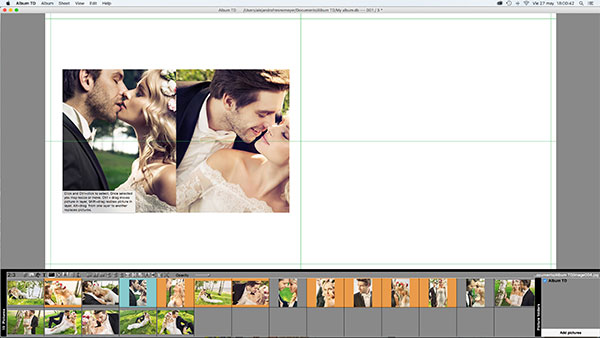

You may insert a picture from the list at the middle of other 2 pictures or at the border of another. First you will learn how to insert the picture between 2 others:
Starting with 2 pictures at the design area
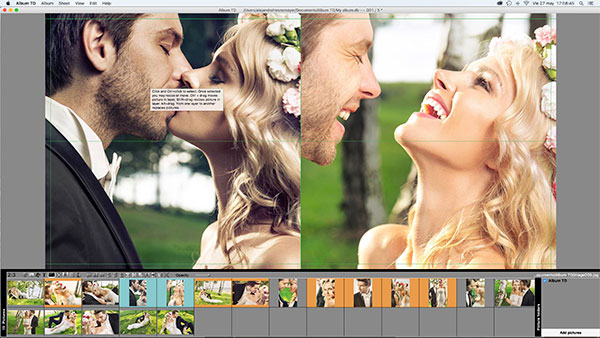
Drag a new picture from the pictures list to the common border of the 2 pictures in the design area, a red line will appear

Drop the picture and it will be inserted between the other two rearranging their size

You may also insert a picture at the border ( top, left, right, bottom) of another one. Now we have a single picture at the left page

Drag one picture from the list to the left border of this picture, a red vertical line will appear

Once you drop the picture the space occupied by the current picture will be splitted and the new picture inserted